Short exercises
Scales, arpeggios, chords, leaps, rhythm, coordination. Each one is scored, and the tempo rises once you get it right.
 Français
Android app for digital pianos
The app checks what you play against the score, note by note and in time with the metronome. Once a passage holds, the tempo goes up.
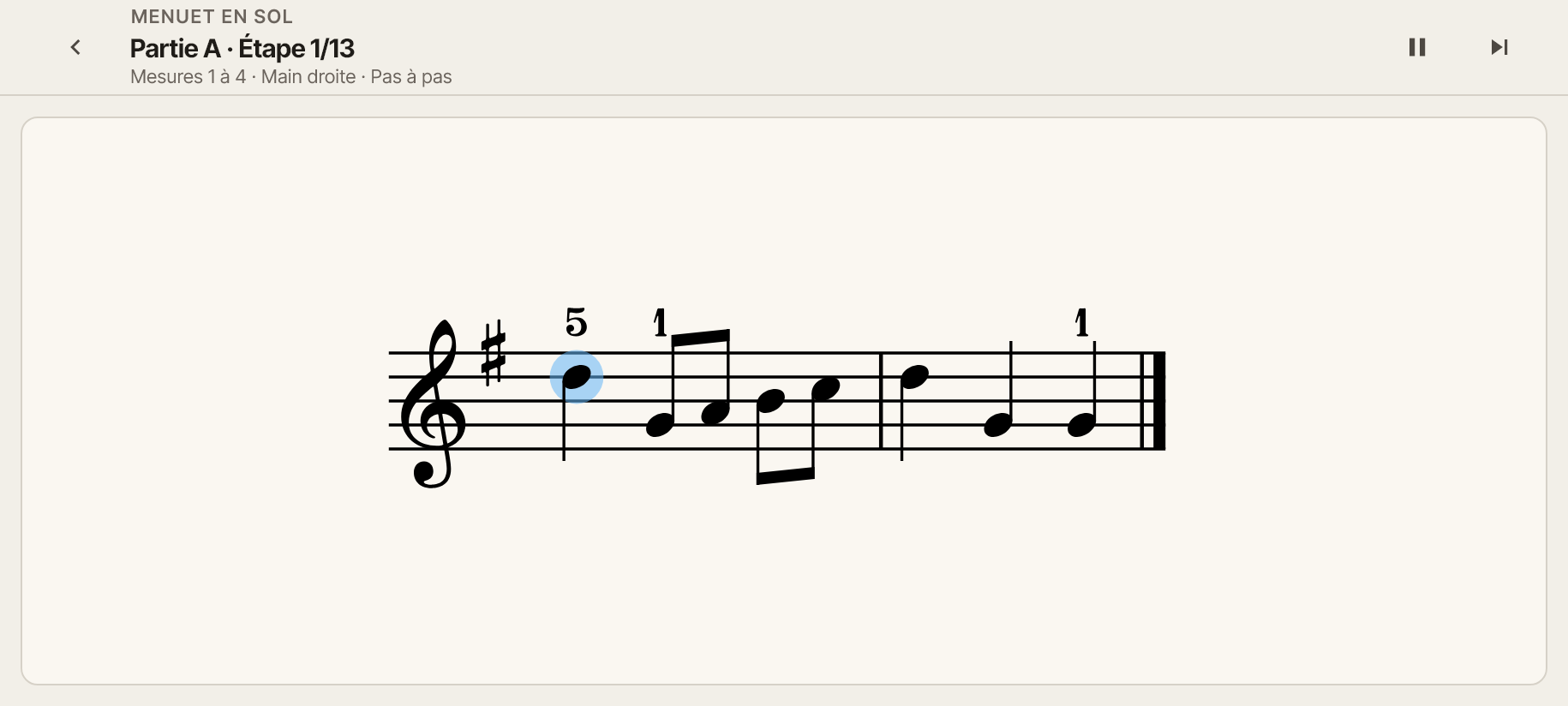
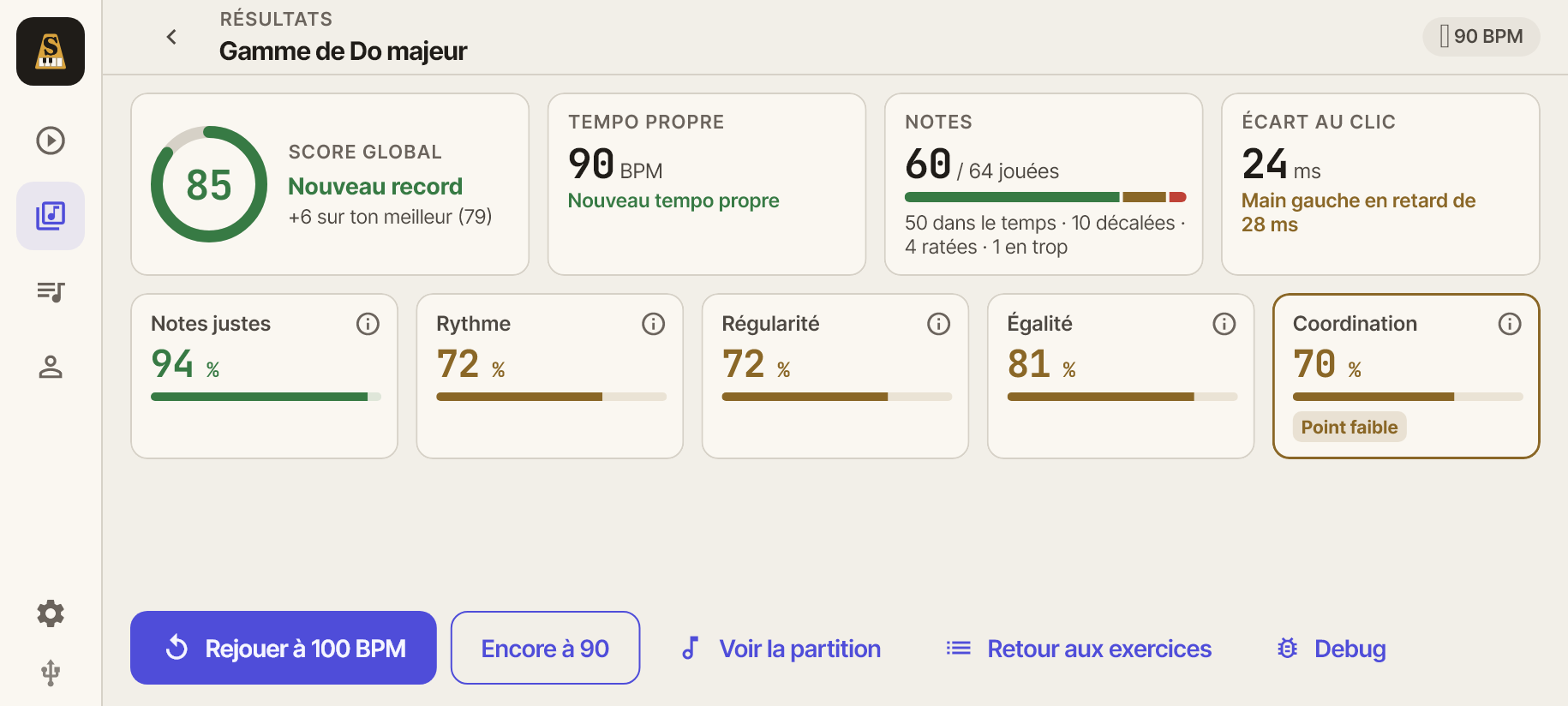
The app scores pitch, rhythm, steadiness and hand coordination, then shows your weak spot. It also tells you how many milliseconds ahead of or behind the click you play, and what tempo to try next.
Scales, arpeggios, chords, leaps, rhythm, coordination. Each one is scored, and the tempo rises once you get it right.
Bach, Mozart, Beethoven, Schumann, Satie, Joplin. You start slow, and the app speeds up when it holds.
The app picks your exercises from what you've already played.
An Android phone or tablet, a digital piano or MIDI keyboard connected over USB (with an adapter if needed), and the ability to read sheet music. The app doesn't use the microphone.
Yes, if it has a USB port that sends MIDI, like most recent digital pianos and keyboards. It is often labelled "USB to Host", square (USB-B) or USB-C. A keyboard with only the round MIDI ports works through a MIDI to USB interface.
A cable from the piano's USB port to your phone or tablet, for example USB-B to USB-C. With a USB-A cable, add a USB-C (OTG) adapter.
Not for now: the app gets the piano's notes over the cable only.
No. The app needs the notes from your piano to follow what you play.